In final review
Make WordPress feel like your product.
73PiXEL UI brings interface control, branding, maintenance, and login tools into one precise, coherent workspace.
Seven tools. One finished experience.
Every module follows the same clear layout, uses native WordPress behavior, and is designed to remain understandable months after setup.
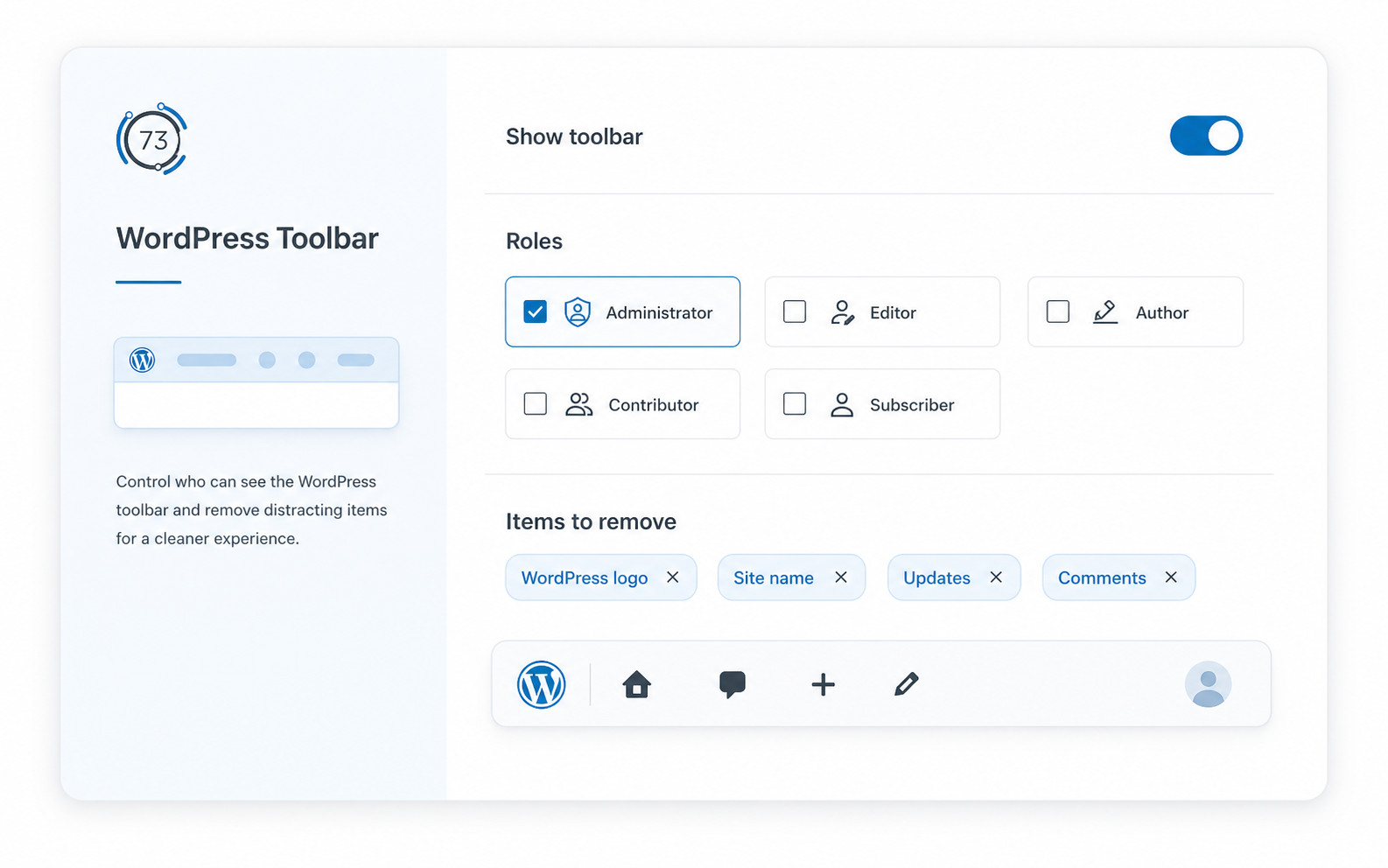
WordPress Toolbar
Control visibility by role, remove distracting nodes, and replace WordPress branding with a project name or logo.
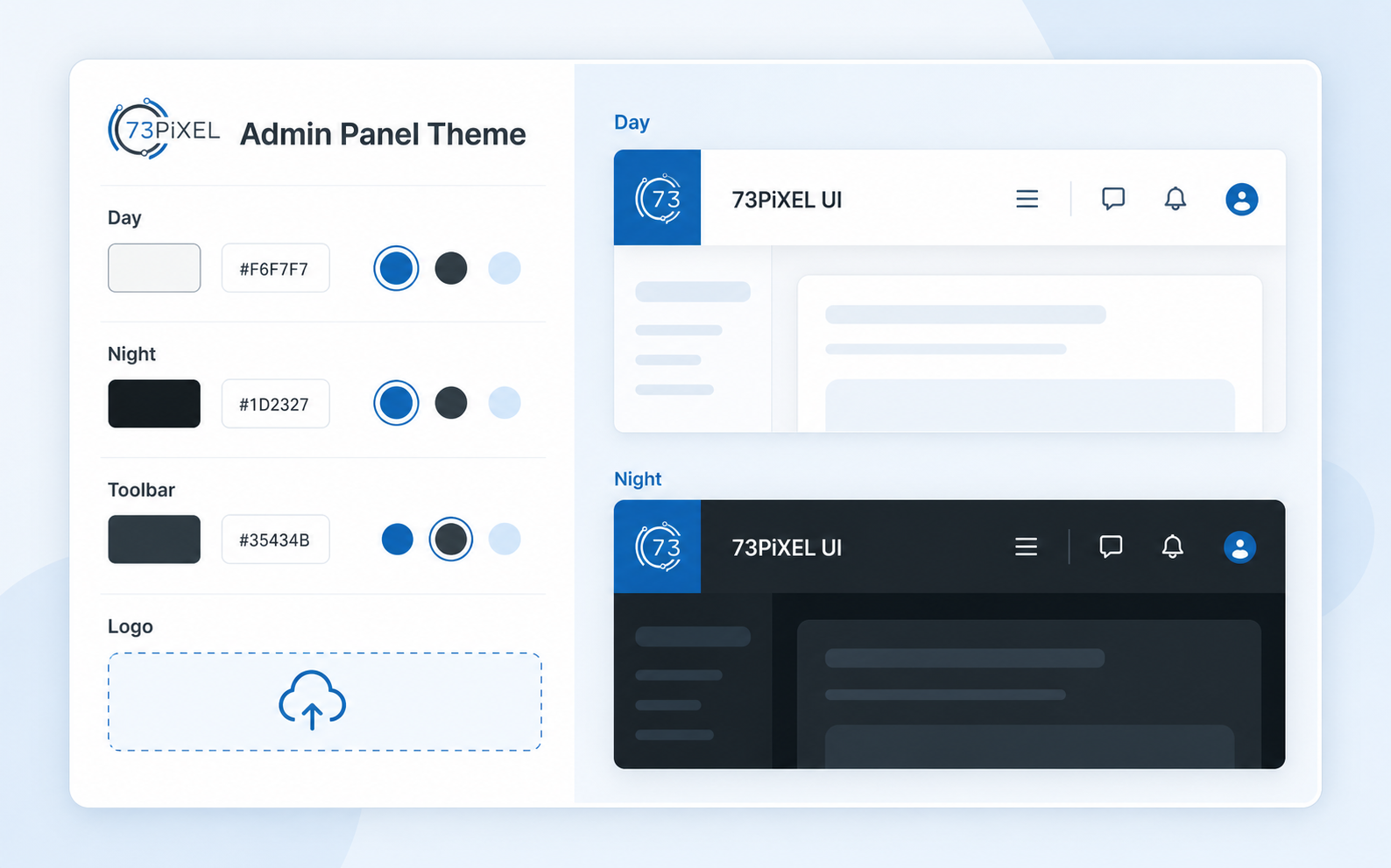
Admin Panel Theme
Set browser day and night colors, toolbar colors, and a custom administration logo.
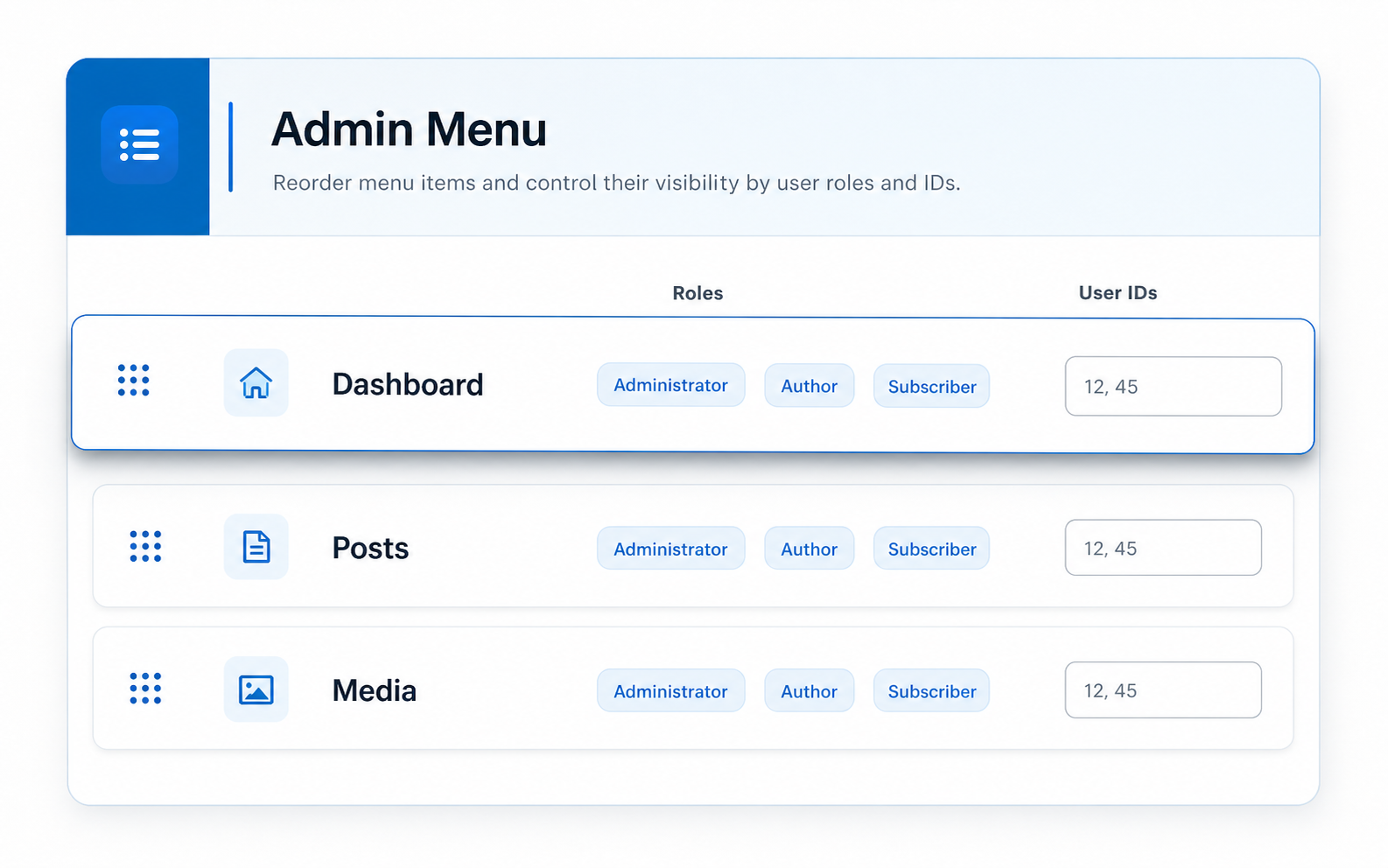
Admin Menu
Reorder items by drag and drop and hide selected links for roles or specific users.
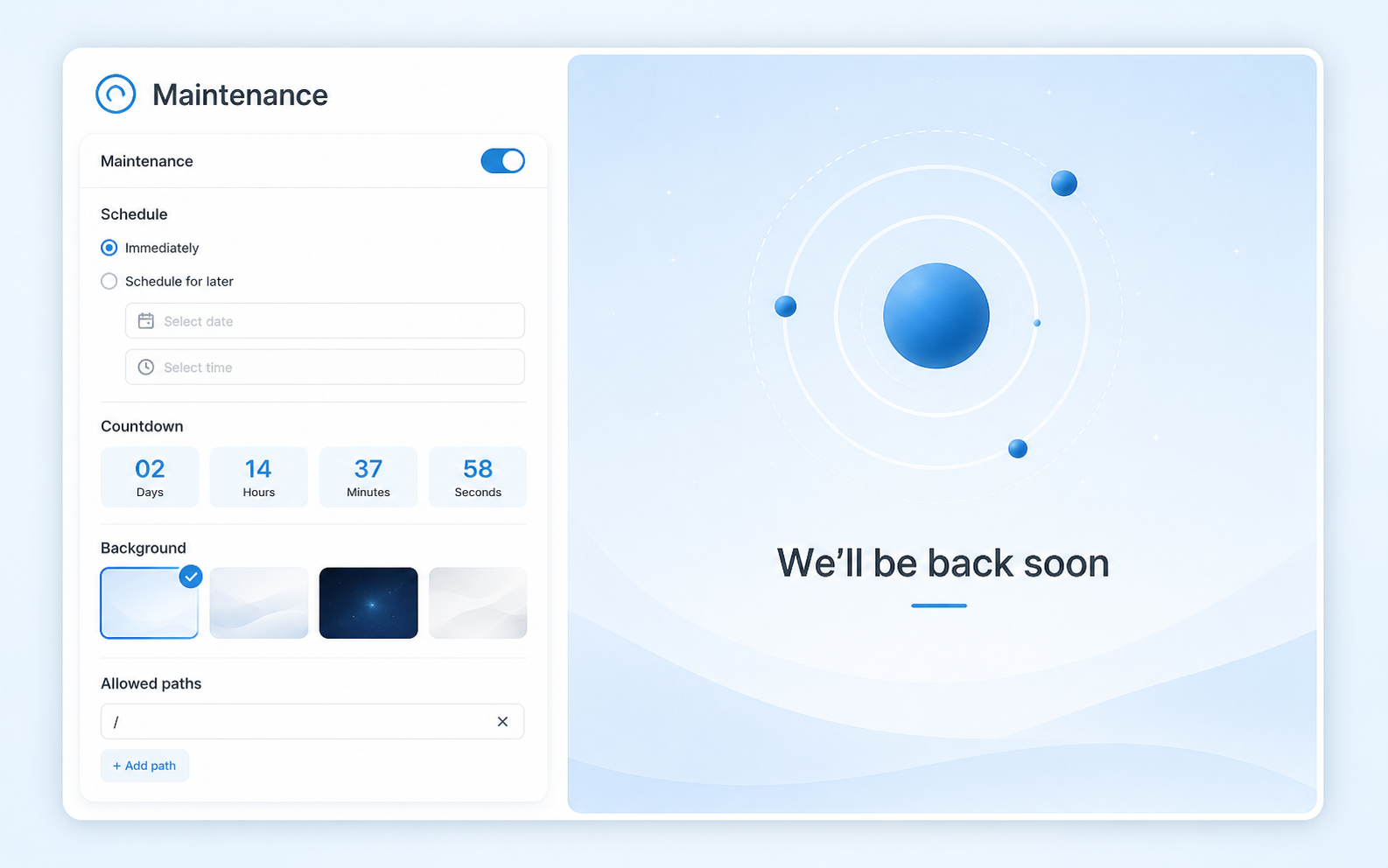
Maintenance
Build a responsive 503 page with scheduling, countdown, branding, social links, app buttons, allowed paths, and a privacy notice.
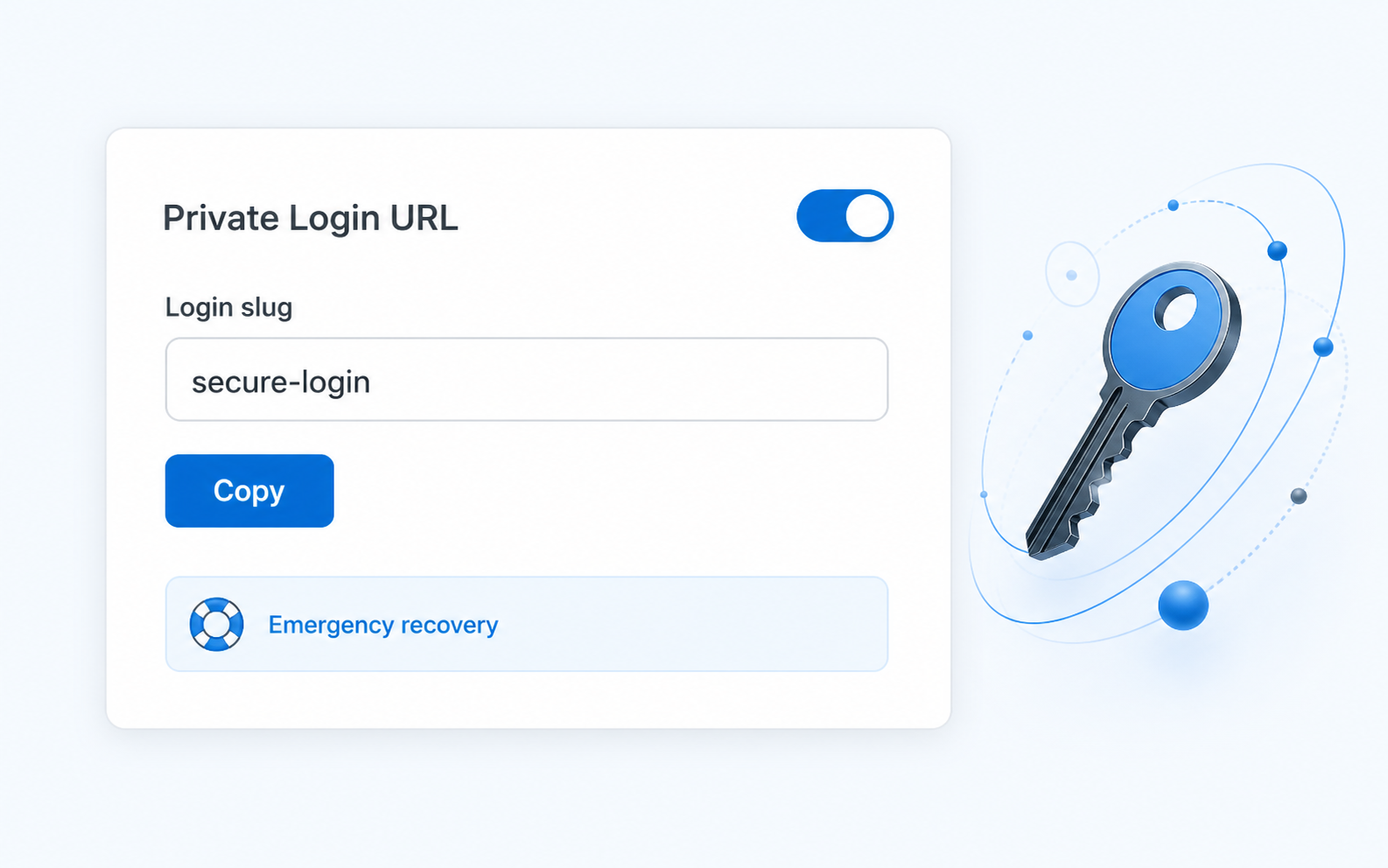
Private Login URL
Replace the public login path with a private slug and retain an emergency recovery constant.
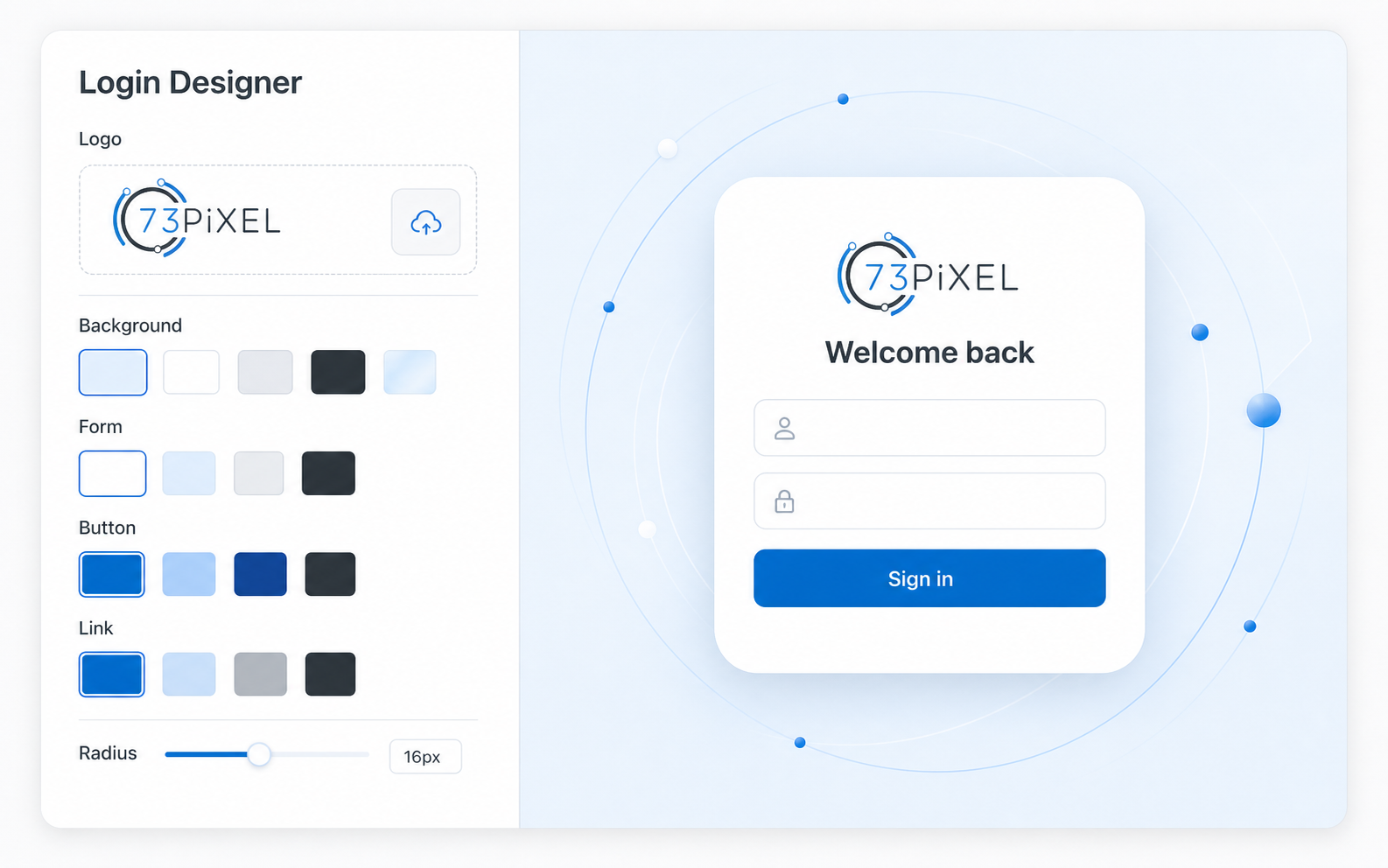
Login Designer
Brand the native login experience with precise control over logo, background, form, links, button, and corner radius.
Designed to make complex controls feel calm.
Purpose-built product visuals highlight the part that matters, keeping every feature clear without the distraction of a full WordPress dashboard.
Start free. Go Pro when the whole experience matters.
The final Free-versus-Pro feature matrix will be confirmed before release. The distinction below reflects the current product direction without overstating unfinished packaging.
| Edition | Designed for | Direction |
|---|---|---|
| 73PiXEL UI Free | Site owners who need essential interface cleanup and branding | Planned for WordPress.org |
| 73PiXEL UI Pro | Professional sites, agencies, and teams that need the complete toolkit | Full modules, updates, licensing, and support |
Release integrity: pricing and the exact edition split will be published only after the final technical review and Freemius integration are complete.
Your WordPress dashboard should feel intentional.
Join the launch list for the WordPress.org edition and 73PiXEL UI Pro.
By subscribing, you agree to receive product updates from 73PiXEL. You can unsubscribe at any time. See our Privacy Policy.